Start your family’s digital wellbeing journey for free
AVAILABLE FOR


FEATURED IN


Qustodio is an excellent choice for supporting safe and healthy online behavior in children, and can be easily adjusted as children grow.”
Dr Nicole Beurkens, Child psychologist.

Easy-to-set boundaries
that grow with them
Qustodio is easy to set up and simple to change over time.
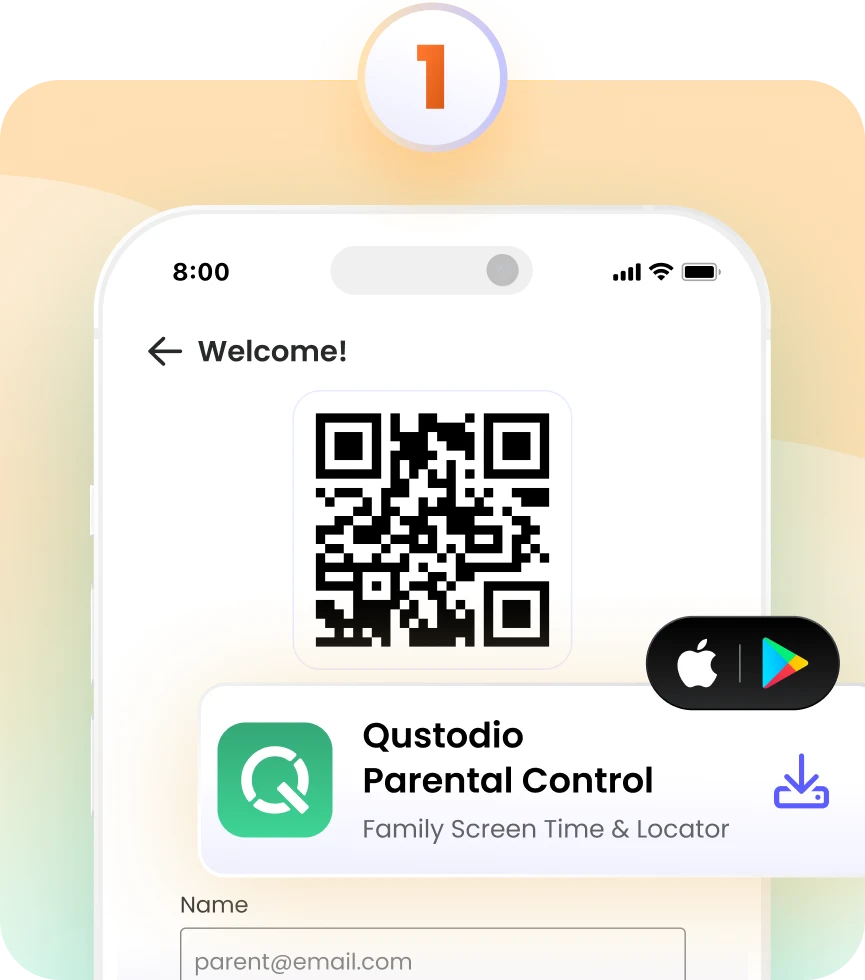
Install the Parents App
Download the Qustodio Parents App from the Google Play Store or Apple App Store, and create your login.
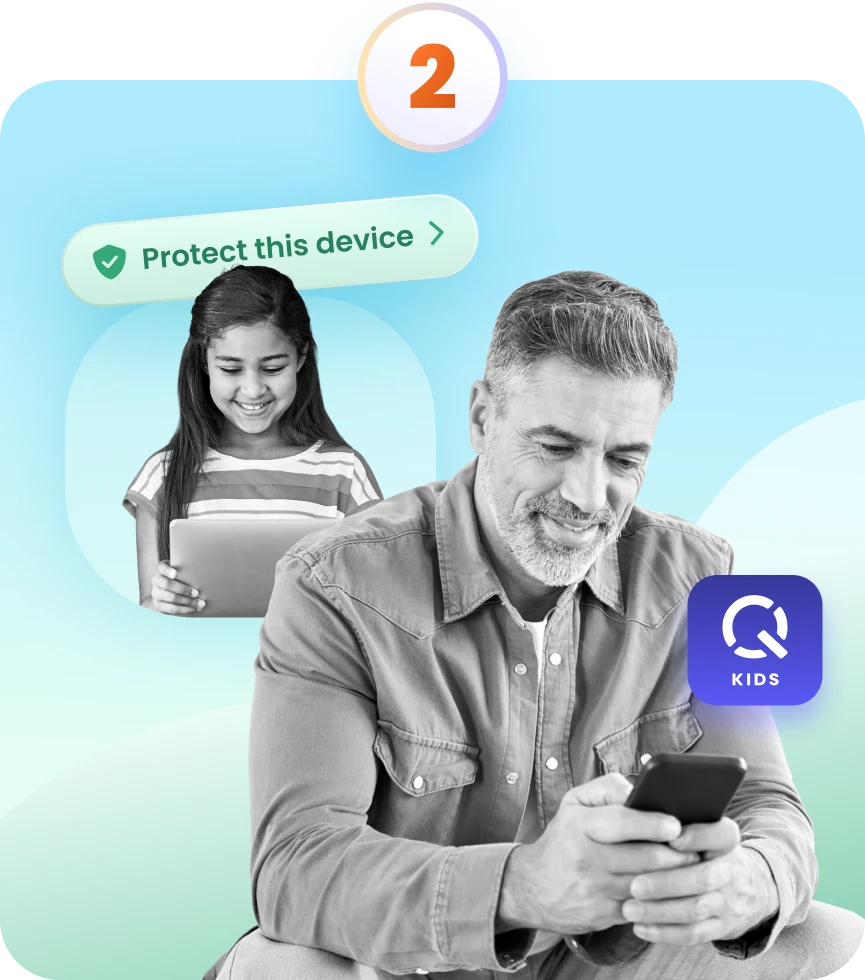
Add your child’s devices
Install the Qustodio Kids App on their phone, tablet, or other device. Log in using your parent credentials, and tap Protect this device.
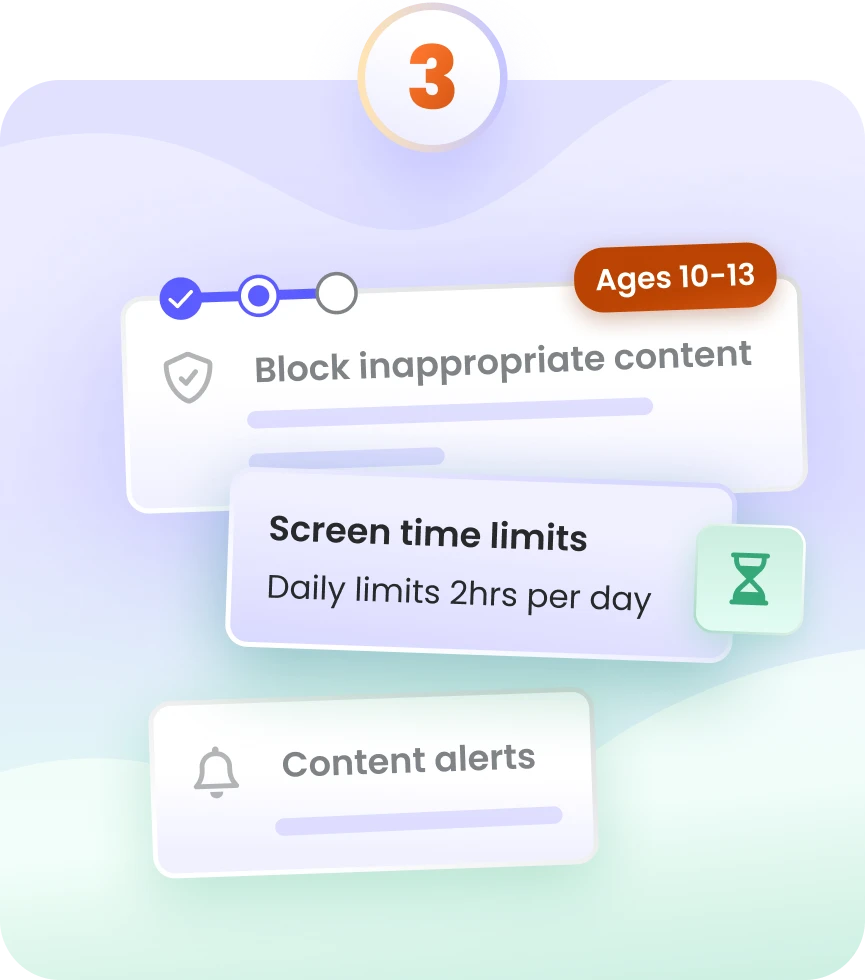
Set rules and adjust as they grow
Get up and running quickly by choosing age-based rules backed by child development experts. Settings can be easily updated to match your child’s age and growing independence.
Easy-to-set boundaries
that grow with them
Qustodio is easy to set up and simple to change over time.
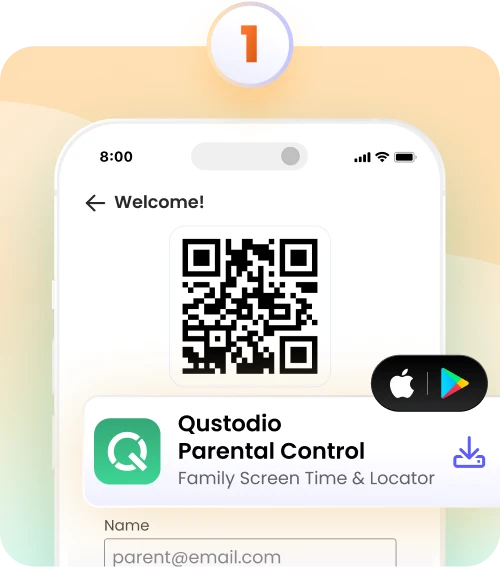
Install the Parents App
Download the Qustodio Parents App from the Google Play Store or Apple App Store, and create your login.
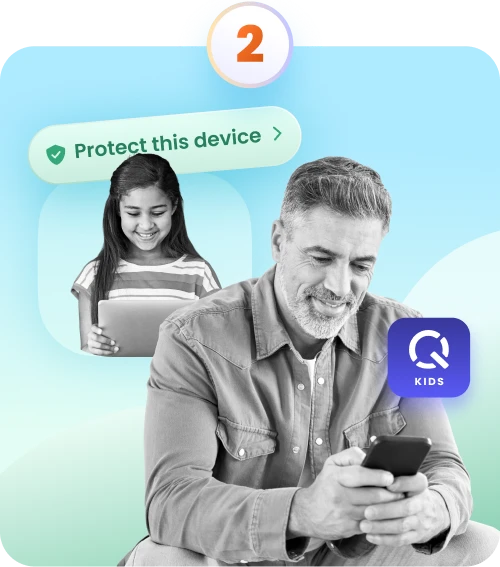
Add your child’s devices
Install the Qustodio Kids App on their phone, tablet, or other device. Log in using your parent credentials, and tap Protect this device.
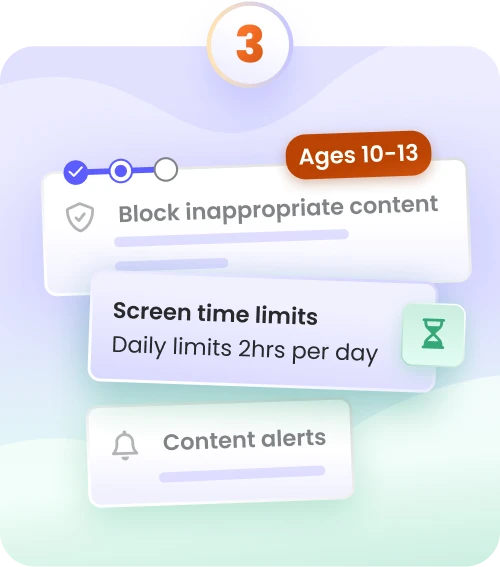
Set rules and adjust as they grow
Get up and running quickly by choosing age-based rules backed by child development experts. Settings can be easily updated to match your child’s age and growing independence.
Feel good about how
they spend their time online
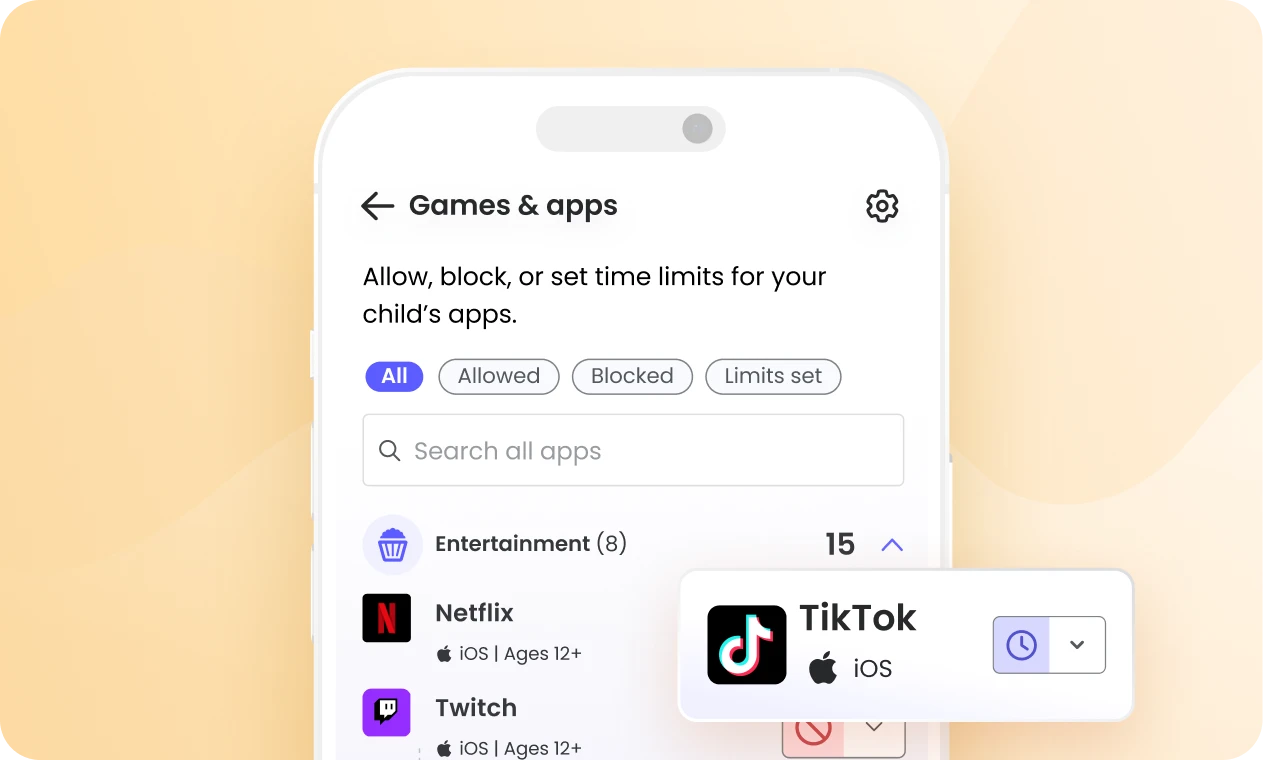
Create a more positive online world for your child by managing the apps and platforms they use. Give them more freedom with educational and enriching apps, while limiting or blocking those that may be distracting or unsafe.
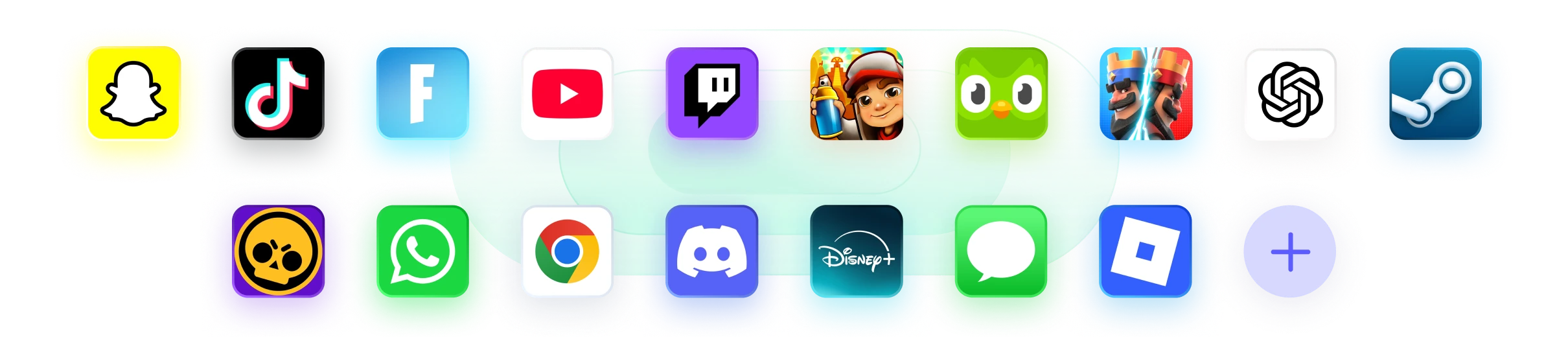
Feel good about how
they spend their time online
Create a more positive online world for your child by managing the apps and platforms they use. Give them more freedom with educational and enriching apps, while limiting or blocking those that may be distracting or unsafe.

Stay connected
to their gaming world
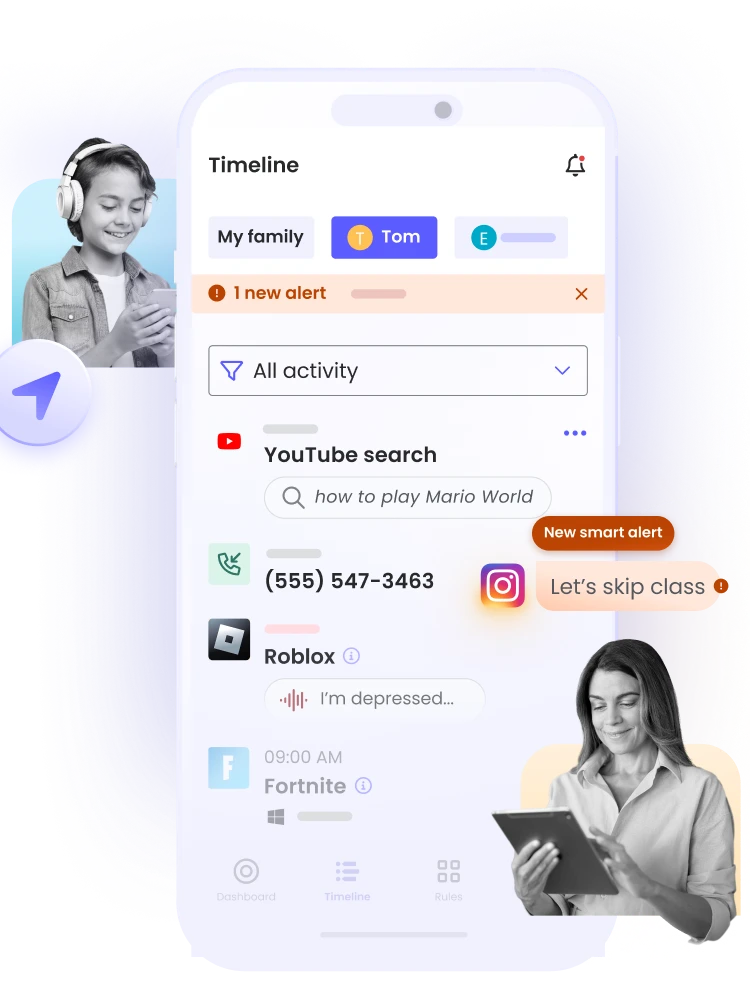
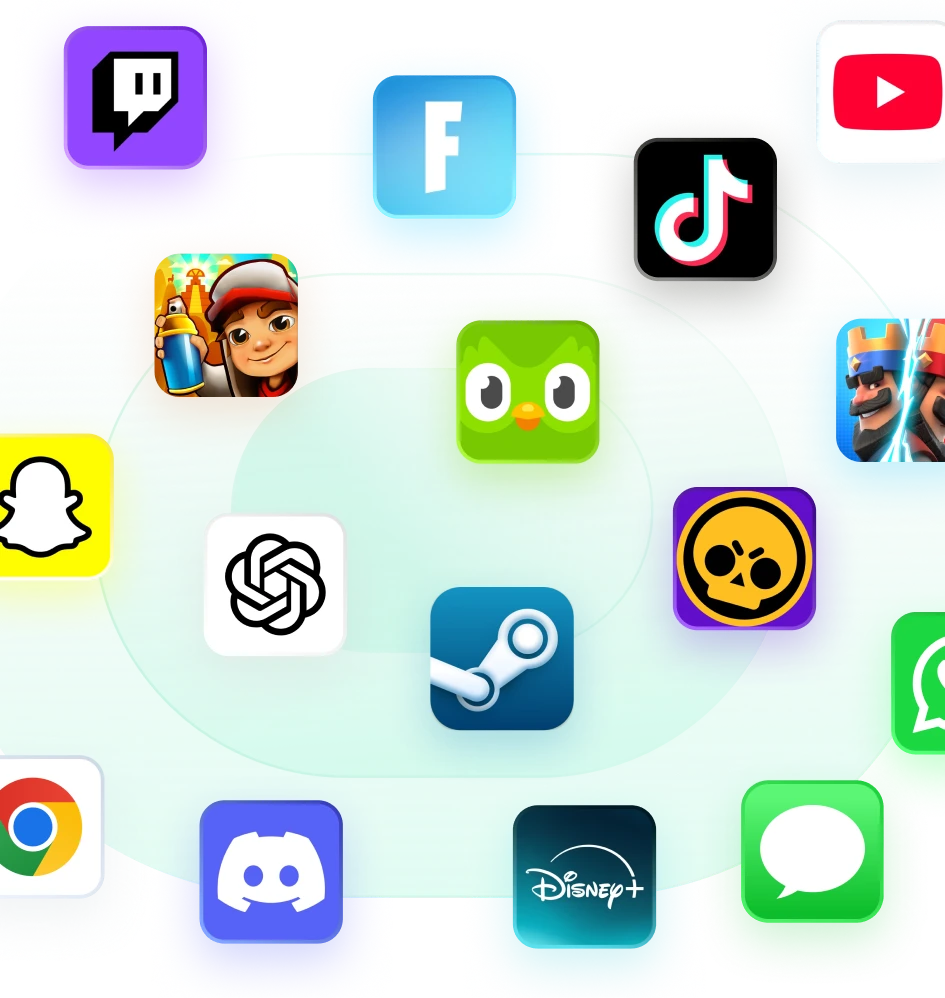
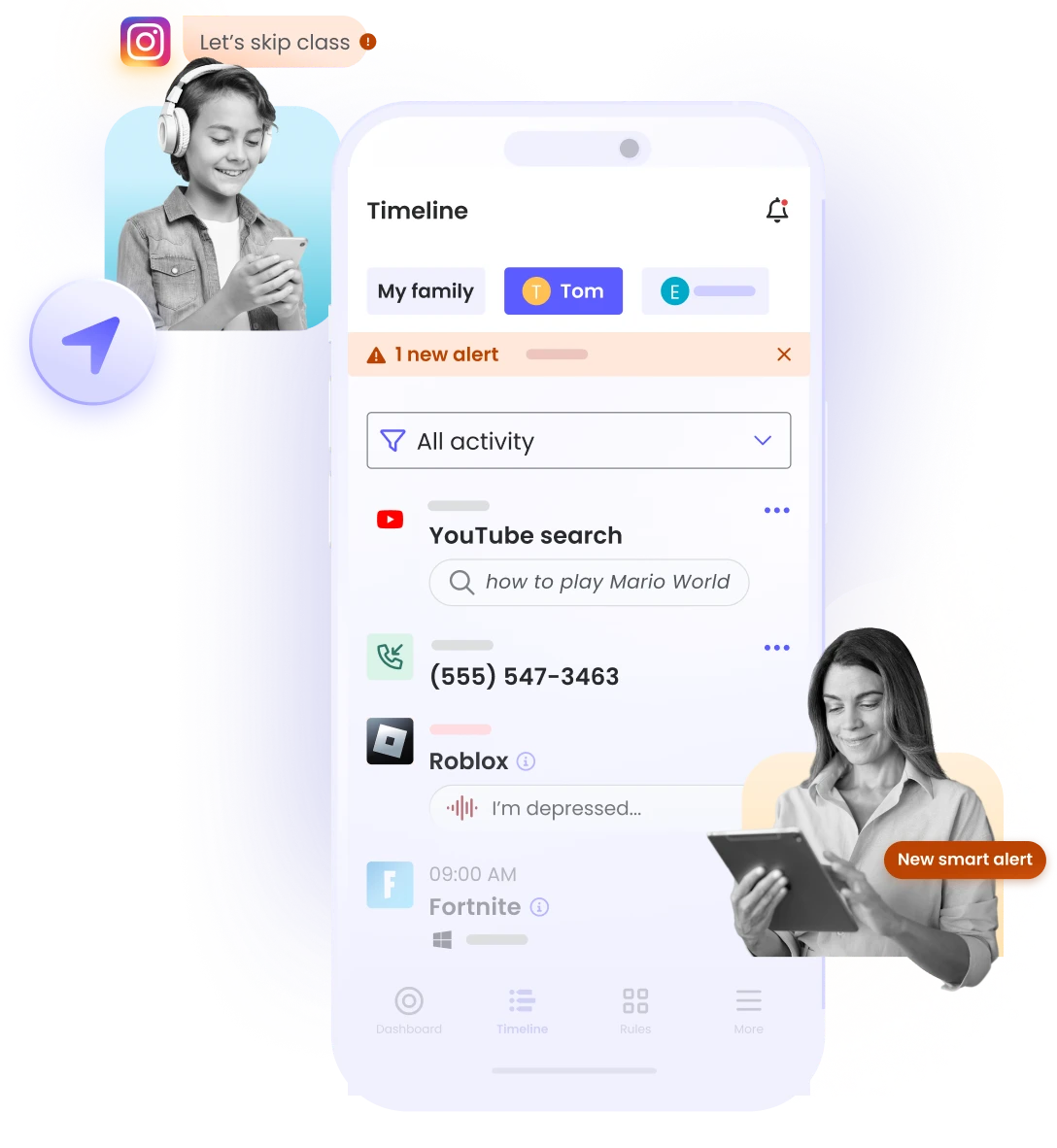
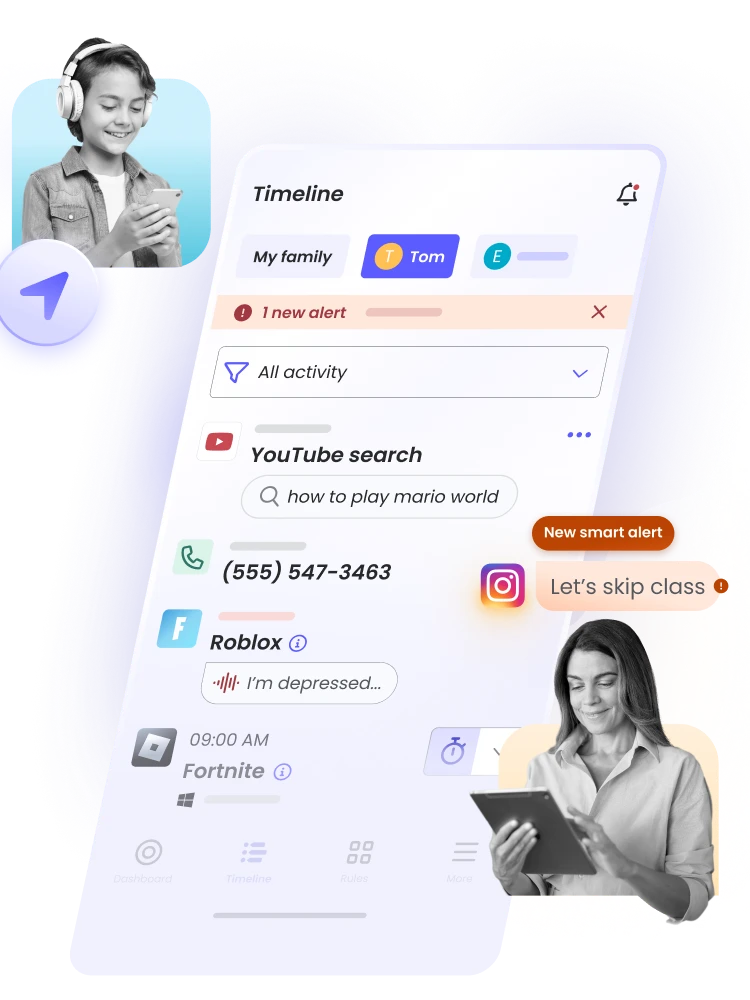
AI MONITORS VOICE CHATS:On Roblox, Fortnite, Valorant, and Steam for signs of concerning interactions, such as bad language and bullying. If something stands out, you’ll instantly receive a notification with a summary of what was detected and why it may need your attention.
Stay connected
to their gaming world
Gaming alerts gives your child the freedom to enjoy their favorite games by keeping you in the loop about concerning voice chats.
Gaming alerts are available for games played on Windows devices.

Peace of mind
as they chat online
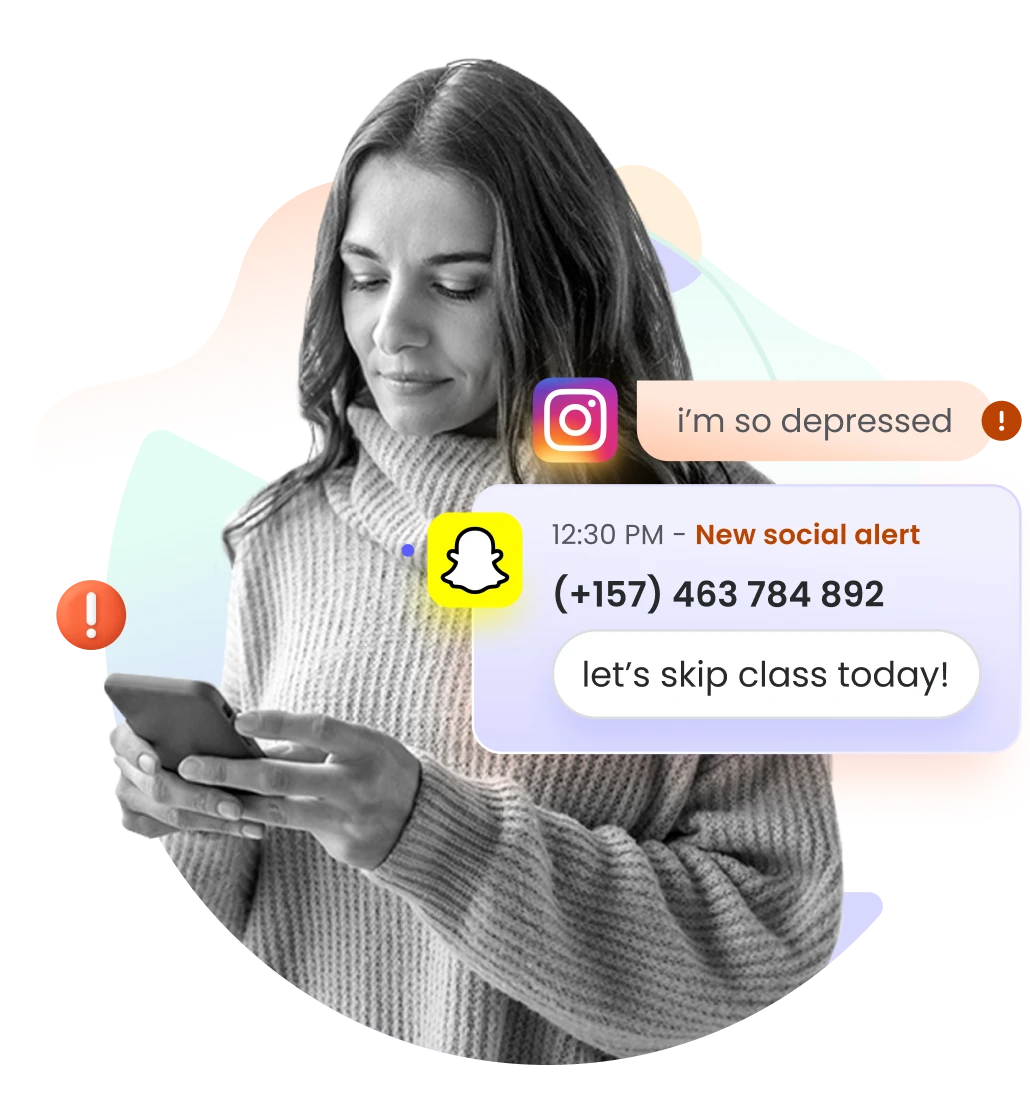
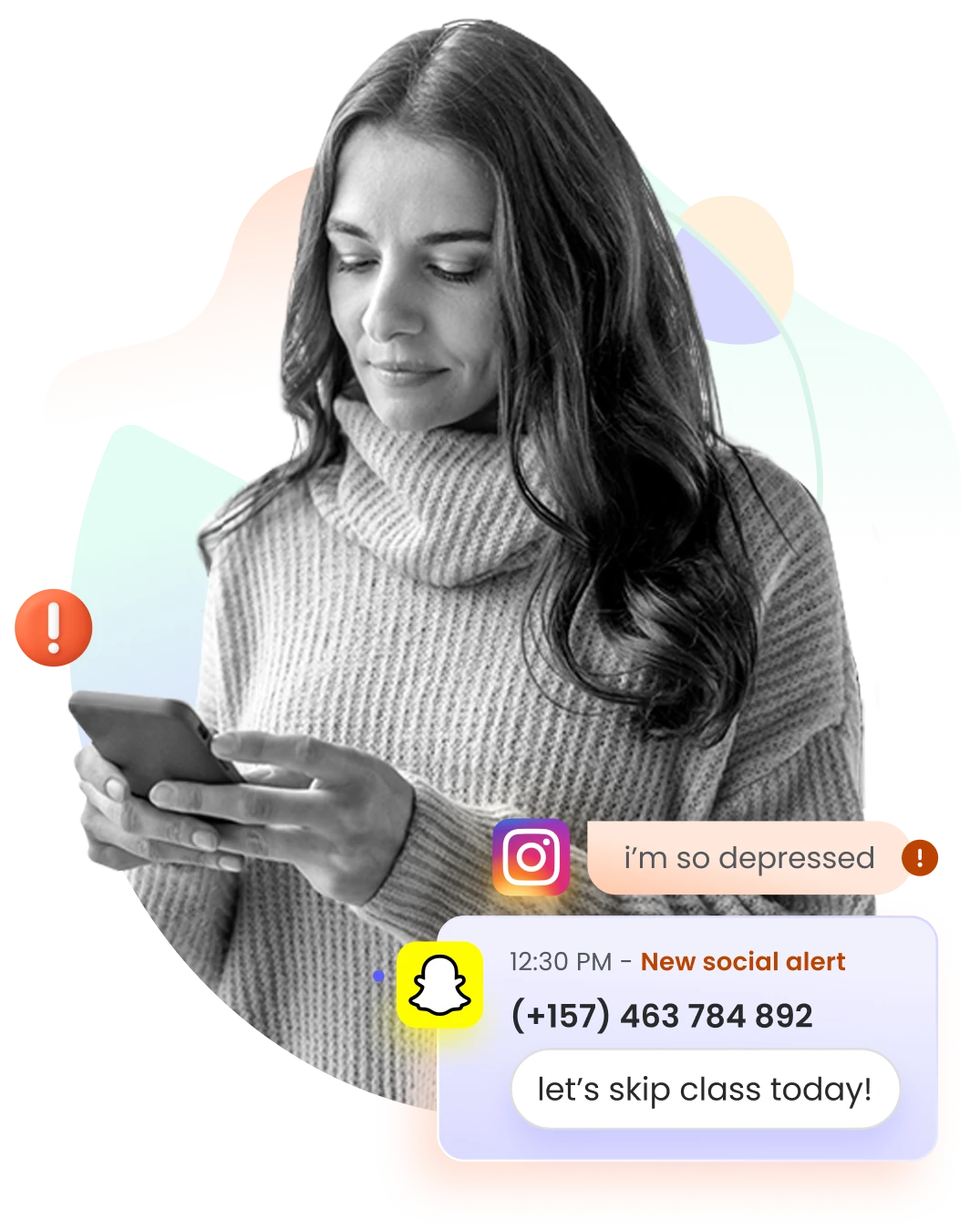
AI scans messages across WhatsApp, Instagram, TikTok, Snapchat, and X, for over 20 types of threats – from bullying to self-harm – so you can tackle issues as they arise without having to read through your child’s chats.
Peace of mind
as they chat online
Social alerts keeps you informed, without intruding – you’ll get notified only when a conversation may need your attention.
AI scans messages across WhatsApp, Instagram, TikTok, Snapchat, and X, for over 20 types of threats – from bullying to self-harm – so you can tackle issues as they arise without having to read through your child’s chats.
Tools that work for your family
Tools that work for your family
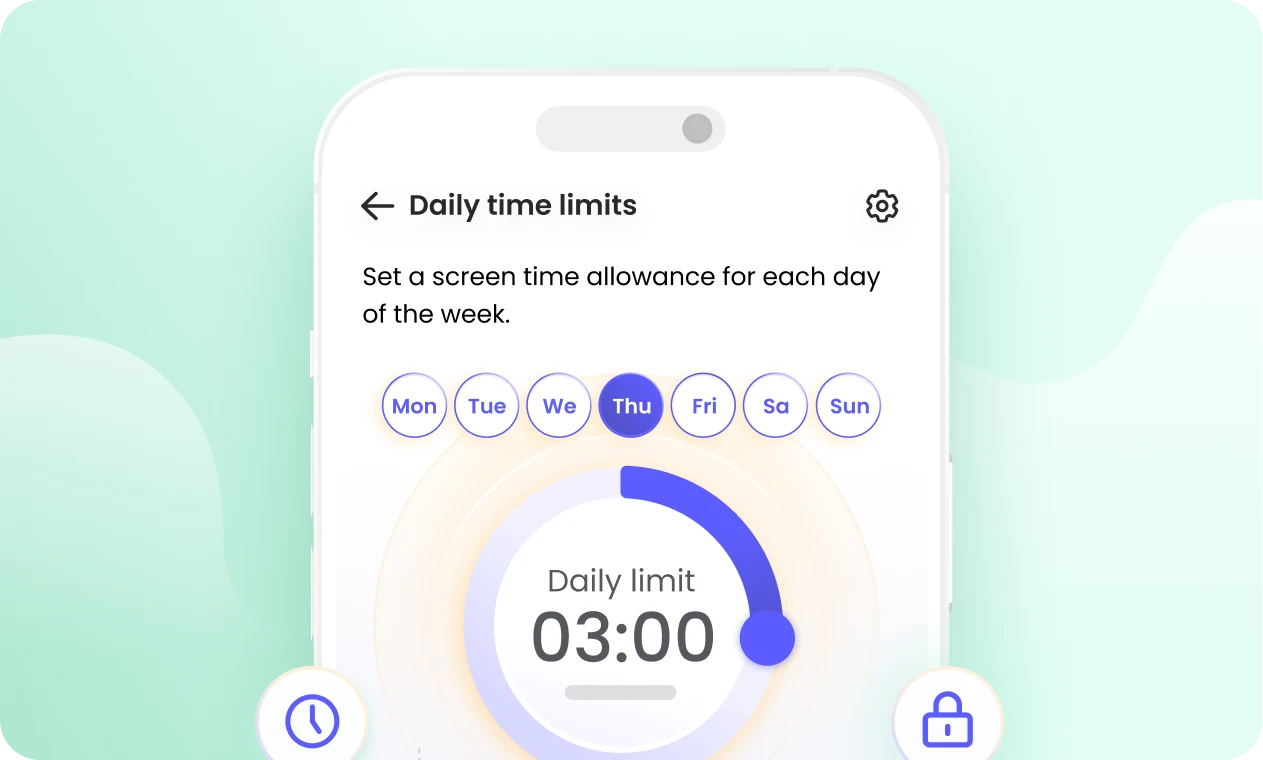
Set daily time limits
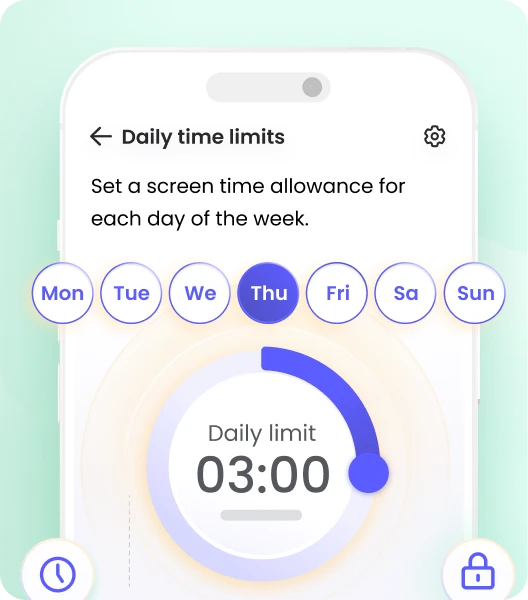
Strike a healthy balance for your family by setting screen time limits and scheduling screen-free moments throughout the day, such as during studying and bedtime.
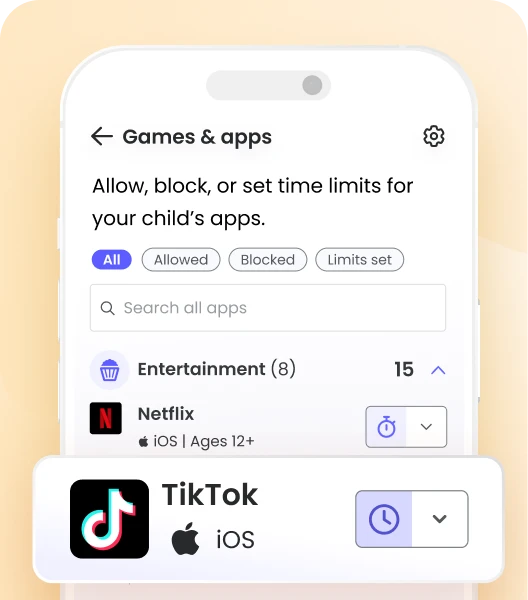
Keep content kid-friendly
Let your child enjoy their time online with age-appropriate content by blocking or limiting apps and websites that aren’t right for them.
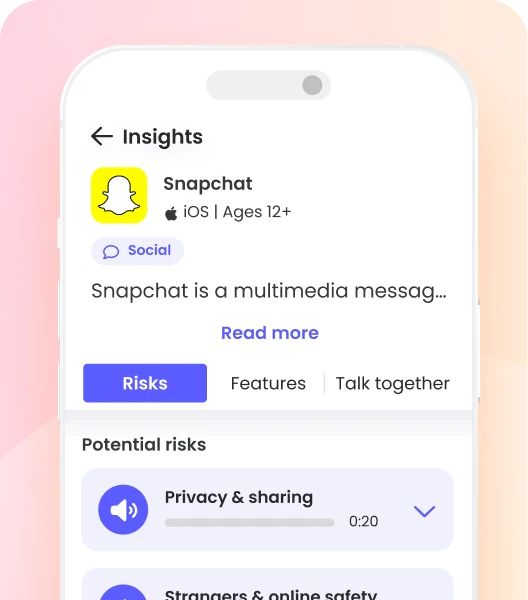
Get helpful insights
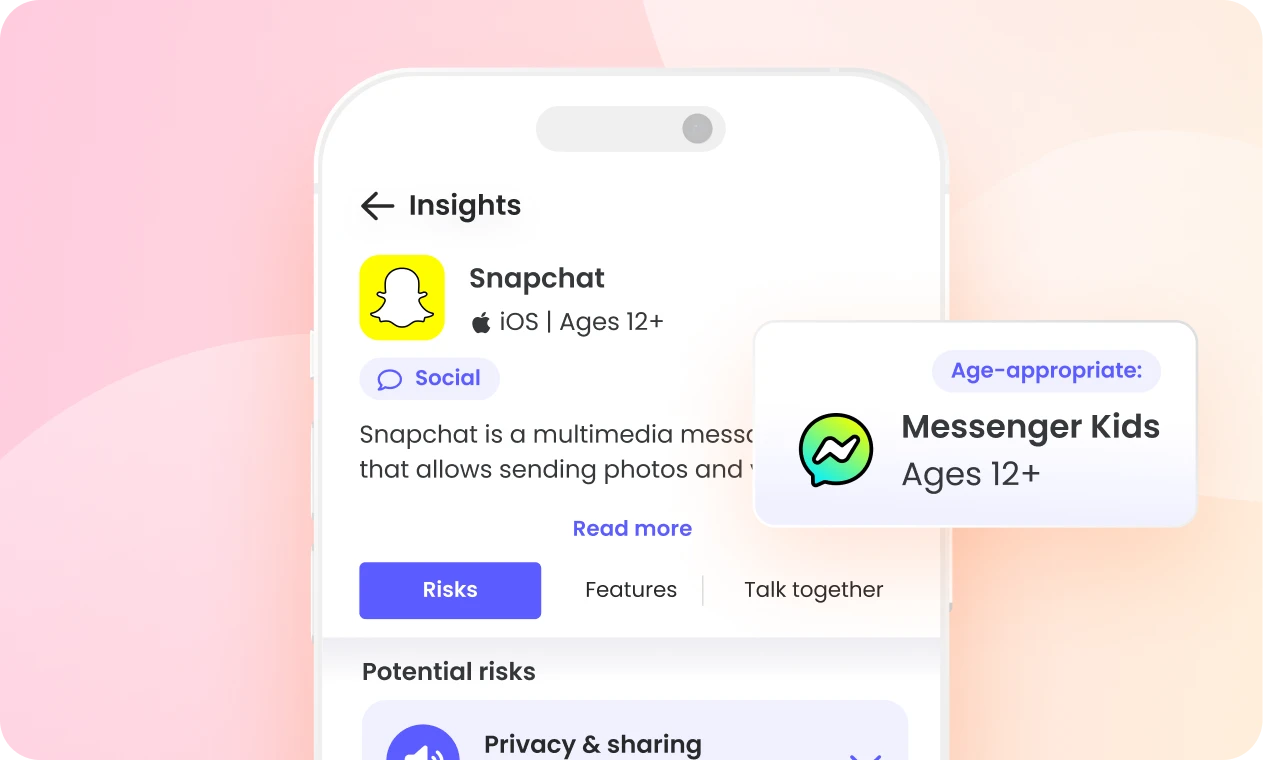
Have a better understanding of their digital life by checking their activity, and learning more about the apps they use – including risks, safer alternatives, and more.
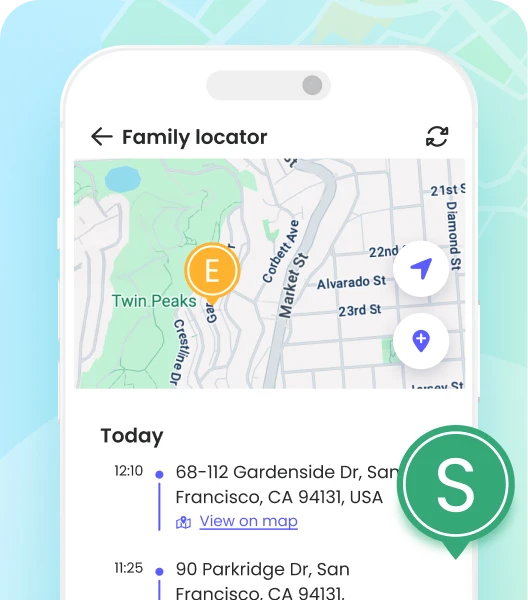
Know they’re safe wherever they go
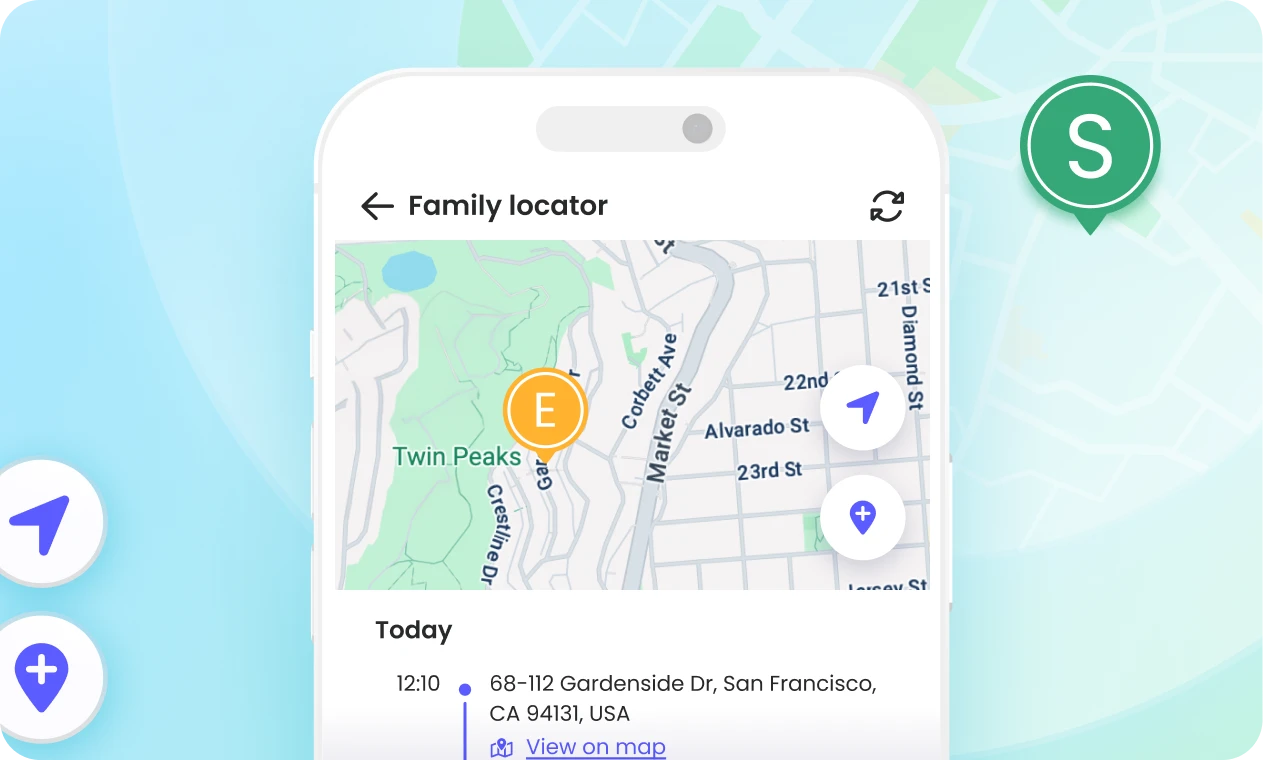
Check your family’s locations on a map, and get notified when they arrive where they need to go.
Why families choose Qustodio
Qustodio

Bark
Screen time limits

You can set screen time limits with both, but Qustodio offers more flexible routines.
App blocking
Social media monitoring
Location tracking
Pause the internet
Platform support
Calls and text monitoring

Web filtering
YouTube monitoring
Activity reports and alerts
Gaming voice chat alerts

Panic button
Additional parent
Qustodio is available in English, Spanish, French, Italian, Portuguese, German, Chinese, Dutch, and Japanese.
Why families choose Qustodio
Qustodio
Bark
Qustodio vs Bark
Screen time limits
Social media monitoring
Qustodio gives you a full view of social media activity, while Bark only monitors risky content.
Pause the internet
Both lets you instantly cut internet access across your kids’ devices.
Calls and text monitoring
Qustodio lets you view calls, texts, and block contacts; Bark only monitors risky messages.
Web filtering
Qustodio blocks websites, allows categories, and sends alerts; Bark monitors browsing with AI.
YouTube monitoring
Qustodio shows you watched videos and searches; Bark only flags concerning content, not full history.
Panic button
Additional parent
9
languages
2
languages
Frequently Asked Questions
First choose the plan which is right for you and create your Qustodio account. Next, Qustodio will guide you through an easy configuration process to make sure that all your family devices are protected. Need a download – check out the downloads section of our website.
We offer a wide variety of payment options depending on your location including Visa, Mastercard, American Express, PayPal, Google Pay and Apple Pay.
Payments made through Apple are managed by Apple. As a result, any refund requests
must be submitted directly through Apple’s refund process.
Absolutely, we do have 30-day money back guarantee in case you’re not satisfied with the product.
Qustodio works across Android, iPhone and iPad, Windows, Mac, Chromebook, and Kindle Fire devices, so you can protect your family’s digital life from one easy-to-use dashboard.
Your family’s privacy is our priority. We uses secure encryption to protect your data and only collects the information needed to provide parental control features. You stay in control of your family’s data at all times. You can find out more details on in our privacy policy.
Setting up the Complete plan takes around 10 minutes. Simply create your account, install Qustodio on your child’s devices, and you’re ready to start protecting your family.
Create a safer online world for free now
Create your account to enjoy a 3 day free trial of Premium features, including Gaming alerts, Games & apps blocking, and more.