Why Choose Qustodio over Google Family Link or Apple Screen Time?

A comparison of leading parental control apps

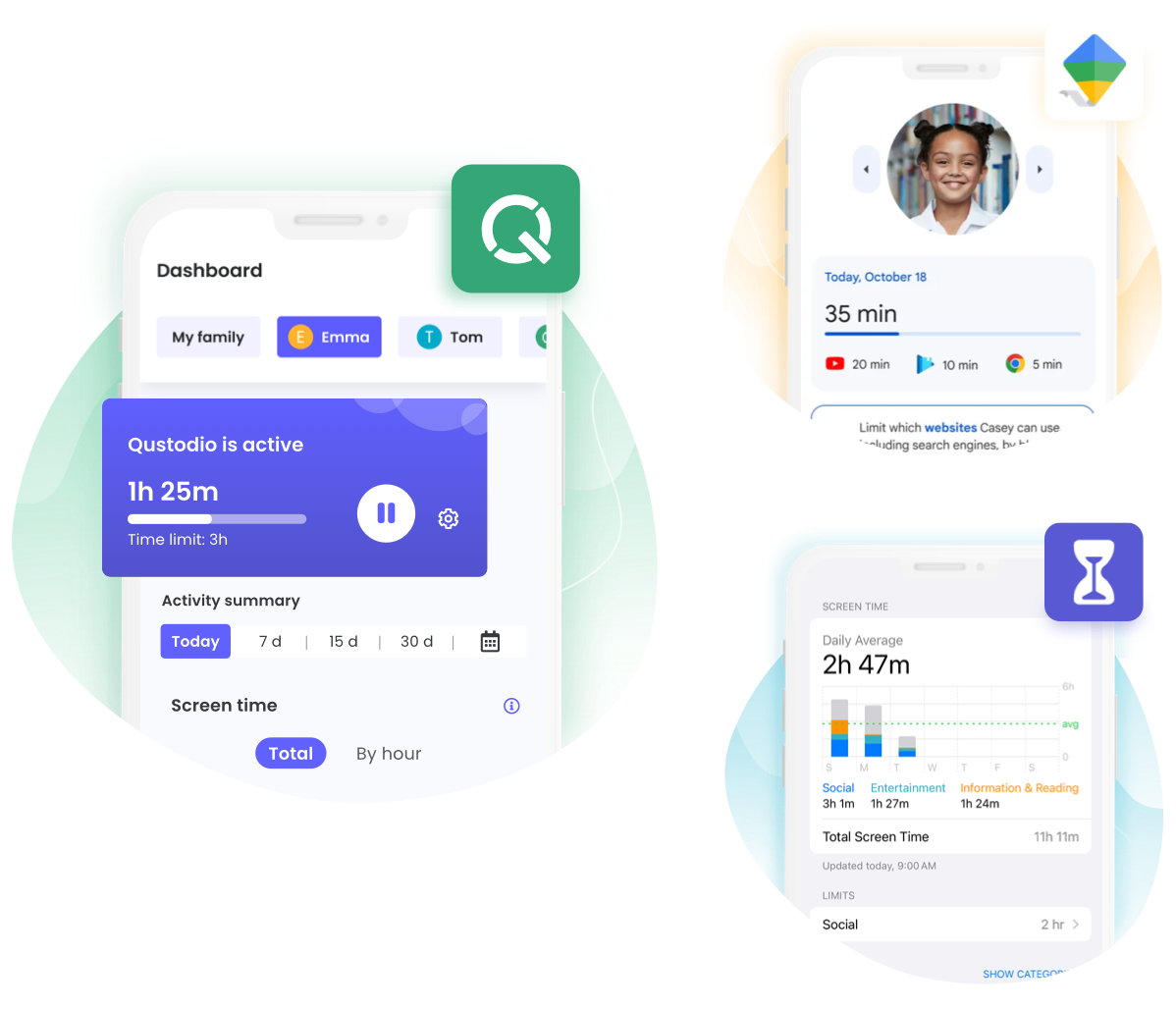
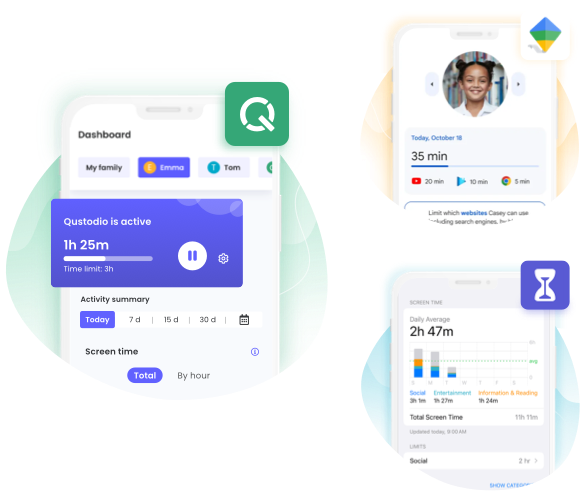
Parents understand the importance of protecting their children online and helping them to build healthy digital habits, but knowing the best tool to help them achieve this can be challenging. We want to help make your choice simpler by comparing Qustodio’s features against Google Family Link and Apple Screen Time features, to help you find what works best for you and your family.

Qustodio vs Google Family Link & Apple Screen Time


Qustodio


Google Family Link


Apple Screen Time

  Cross-platform solution

Qustodio vs Bark
Qustodio vs Bark
Qustodio vs Bark
Qustodio works across Windows, Mac, Chromebook, Android, iOS, and Kindle, while Google Family Link focuses on Android and Chromebook, and Apple Screen Time on Apple devices.

  Time limits

Qustodio vs Bark
Qustodio vs Bark
Qustodio vs Bark
Both Google family link and Apple Screen Time offer screen time limits, but Qustodio gives you more flexible routines and scheduling.

   Filter and block websites and apps

Qustodio vs Bark
Qustodio vs Bark
Qustodio vs Bark
Qustodio lets parents filter websites, apps, games, and entire content categories. Google Family Link and Apple Screen Time also offer app and web filtering, but Qustodio provides more detailed content categories and instant alerts when restricted content is accessed.

  Social media monitoring

Qustodio vs Bark
Qustodio vs Bark
Qustodio vs Bark
Qustodio monitors social media activity and sends alerts; Google Family Link and Apple Screen Time don’t monitor social media activity.

  AI-powered search alerts

Qustodio vs Bark
Qustodio vs Bark
Qustodio vs Bark
Qustodio uses AI to detect concerning searches and alert parents; Google Family Link and Apple Screen Time don’t offer AI-powered search alerts.

   Activity insights

Qustodio vs Bark
Qustodio vs Bark
Qustodio vs Bark
Qustodio provides detailed activity reports; Google Family Link and Apple Screen Time provide app and screen time activity reports.

  Custom routines

Qustodio vs Bark
Qustodio vs Bark
Qustodio vs Bark
Qustodio offers customizable routines for different situations, while Google Family Link and Apple Screen Time offer scheduled screen-time controls.

  YouTube monitoring

Qustodio vs Bark
Qustodio vs Bark
Qustodio vs Bark
Qustodio shows YouTube searches and watched videos; Google Family Link offers YouTube parental controls, while Apple Screen Time doesn’t monitor YouTube activity.

  Location tracking

Qustodio vs Bark
Qustodio vs Bark
Qustodio vs Bark
Qustodio offers real-time location, location history, and location alerts; Google Family Link offers location and location alerts, while Apple uses Find My.

   Panic button

Qustodio vs Bark
Qustodio vs Bark
Qustodio vs Bark
Qustodio lets children quickly alert trusted contacts for help; Google Family Link and Apple Screen Time don’t offer a panic button.

 Calls and text monitoring

Qustodio vs Bark
Qustodio vs Bark
Qustodio vs Bark

Qustodio monitors calls and texts; Google Family Link and Apple Screen Time offer communication controls but don’t monitor message content.


 App insights

Qustodio vs Bark
Qustodio vs Bark
Qustodio vs Bark
Qustodio monitors in-game voice chat and alerts you to concerning conversations; Google Family Link and Apple Screen Time don’t offer this feature.

  Pause the internet

Qustodio vs Bark
Qustodio vs Bark
Qustodio vs Bark
Qustodio’s pause internet access function lets you cut off your child’s internet access instantly across all their devices. This feature is unique to Qustodio.

 Care Plus support

Qustodio vs Bark
Qustodio vs Bark
Qustodio vs Bark
Qustodio offers dedicated Care Plus support; Google Family Link and Apple Screen Time don’t offer an equivalent personalised support service.

  Additional parent

Qustodio vs Bark
Qustodio vs Bark
Qustodio vs Bark
Qustodio lets multiple parents manage the family account; Google Family Link and Apple Family Sharing also allow parents or guardians to manage parental controls.

Qustodio vs Google Family Link vs Apple Screen Time

Qustodio

Google Family Link

Apple Screen Time

     Cross-platform solution
Qustodio works across Windows, Mac, Chromebook, Android, iOS, and Kindle, while Google Family Link focuses on Android and Chromebook, and Apple Screen Time on Apple devices. Qustodio is the best solution for a mixed-device household.
Qustodio vs Bark
Qustodio vs Bark
Qustodio vs Bark
     Time Limits
Both offer screen time limits, but Qustodio gives you more flexible routines and scheduling.
Qustodio vs Bark
Qustodio vs Bark
Qustodio vs Bark
     Web filtering
Qustodio lets parents filter websites, apps, games, and entire content categories. Google Family Link and Apple Screen Time also offer app and web filtering, but Qustodio provides more detailed content categories and instant alerts when restricted content is accessed..
Qustodio vs Bark
Qustodio vs Bark
Qustodio vs Bark
     Social media monitoring
Qustodio monitors social media activity and sends alerts; Google Family Link and Apple Screen Time don’t monitor social media activity.
Qustodio vs Bark
Qustodio vs Bark
Qustodio vs Bark
    AI-powered search alerts
Qustodio uses AI to detect concerning searches and alert parents; Google Family Link and Apple Screen Time don’t offer AI-powered search alerts.
Qustodio vs Bark
Qustodio vs Bark
Qustodio vs Bark
     Activity insights
Qustodio provides detailed activity reports; Google Family Link and Apple Screen Time provide basic app and screen time activity reports. Qustodio offers the most frequent and comprehensive monitoring insights.
Qustodio vs Bark
Qustodio vs Bark
Qustodio vs Bark
   Custom routines

Qustodio offers customizable routines for different situations, while Google Family Link and Apple Screen Time only offer scheduled screen-time controls.

Qustodio vs Bark
Qustodio vs Bark
Qustodio vs Bark
     YouTube monitoring
Qustodio shows YouTube searches and watched videos; Google Family Link offers YouTube parental controls, while Apple Screen Time doesn’t monitor YouTube activity.
Qustodio vs Bark
Qustodio vs Bark
Qustodio vs Bark

     Location tracking

Qustodio offers real-time location, location history, and location alerts; Google offers location and alerts, while Apple uses Find My for location sharing.
Qustodio vs Bark
Qustodio vs Bark
Qustodio vs Bark

     Panic button

Qustodio lets children quickly alert trusted contacts for help; Google Family Link and Apple Screen Time don’t offer a panic button.
Qustodio vs Bark
Qustodio vs Bark
Qustodio vs Bark
     Calls and text monitoring
Qustodio monitors calls and texts; Google Family Link and Apple Screen Time offer communication controls but don’t monitor message content.
Qustodio vs Bark
Qustodio vs Bark
Qustodio vs Bark
    Gaming voice chat alerts
Qustodio monitors in-game voice chat and alerts you to concerning conversations; Google Family Link and Apple Screen Time don’t offer this feature.
Qustodio vs Bark
Qustodio vs Bark
Qustodio vs Bark
     Pause the internet
Qustodio lets you instantly pause internet access; Google Family Link and Apple Screen Time don’t offer a dedicated internet pause feature.
Qustodio vs Bark
Qustodio vs Bark
Qustodio vs Bark
    Care Plus support
Qustodio’s premium support service Care Plus is designed to provide personalized assistance whenever you need it giving you access to expert help over the phone. Google Family Link and Apple Screen Time don’t offer an equivalent personalised support service.
Qustodio vs Bark
Qustodio vs Bark
Qustodio vs Bark
     Additional parent
Qustodio lets multiple parents manage the family account; Google Family Link and Apple Screen Time allow family members to share parental controls.
Qustodio vs Bark
Qustodio vs Bark
Qustodio vs Bark

Note: This table has been prepared on the basis of public information available as of 17 August, 2026 using information from the Google Family Link and Apple Screen Time websites and product testing under similar conditions. No claims, representations or warranties, whether express or implied, are made as to the quality, reliability and performance of any of the referenced products. All third-party trademarks are property of the respective owners and Qustodio’s use of these trademarks and brand names does not indicate any sponsorship, promotion, or endorsement between Qustodio and the owners of these brands. Reference to the trademarks is merely to identify the corresponding third-party products and services and shall be considered nominative fair and legitimate use under trademark and advertising laws. For any queries, or if you believe any of the information is inaccurate, please contact info@qustodio.com

Qustodio provides the most parental control features and extensive reporting for parents who want one app that does it all, across devices and operating systems. Qustodio can also be used in combination with Google Family Link.

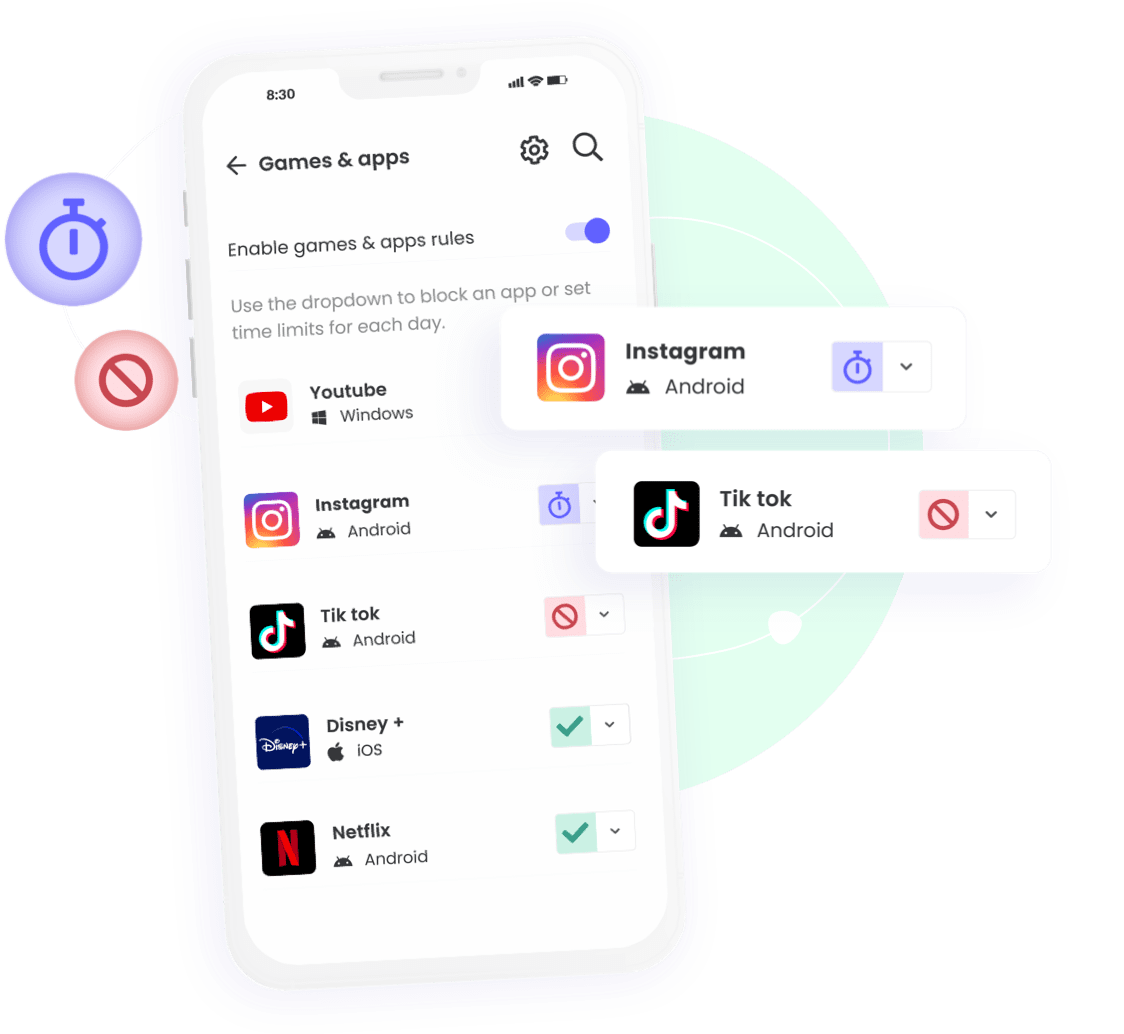
Qustodio App Blocker

Create your FREE account now

And enjoy a trial of our Premium features

Create your FREE account now

And enjoy a trial of our Premium features

Block apps with Qustodio