Keeping up with your child’s apps can be exhausting. New ones appear all the time, and managing each one individually quickly adds up.
With Qustodio, you can now allow or block apps by category – making it easier for you to set boundaries that don’t need constant attention.
Set rules once, adjust only when needed
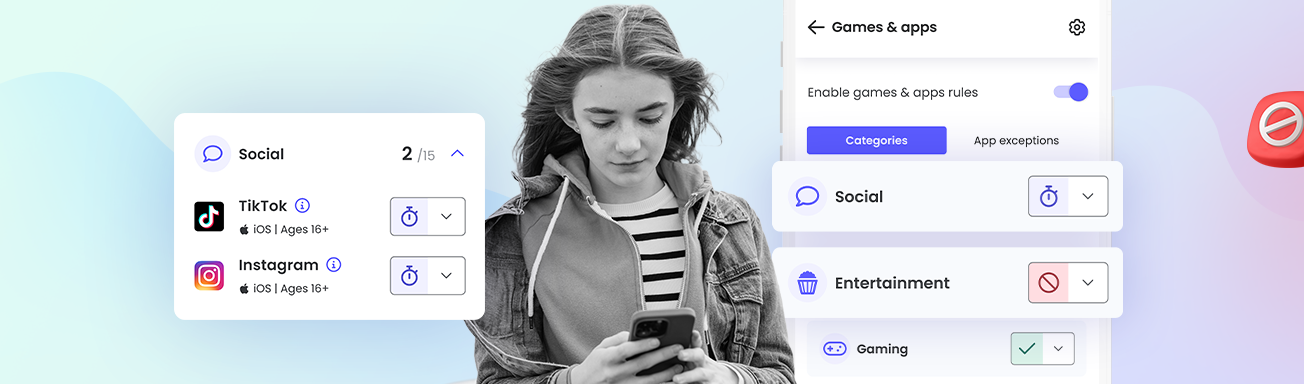
The new feature allows you to manage apps by groups like gaming, social, entertainment, or education – which means you’re no longer dealing with every app as a separate decision. Once a category is allowed or blocked, new apps follow the same rule automatically, so you don’t have to keep checking settings as things change.
At the same time, you still have room to be flexible. If there’s a specific app you’re comfortable with, or one you’d rather avoid, you can set individual rules just as you always have.
Time limits for specific apps are still there, too. Category rules simply take care of the obvious cases, so your attention goes where it’s actually needed.

Why allow or block apps by category?
Managing apps by category tends to make rules feel more predictable at home. New downloads don’t automatically turn into a new discussion, because the expectations are already there. Kids get a clearer sense of what kinds of apps are generally okay, and as parents, you aren’t forced to revisit the same decisions over and over.
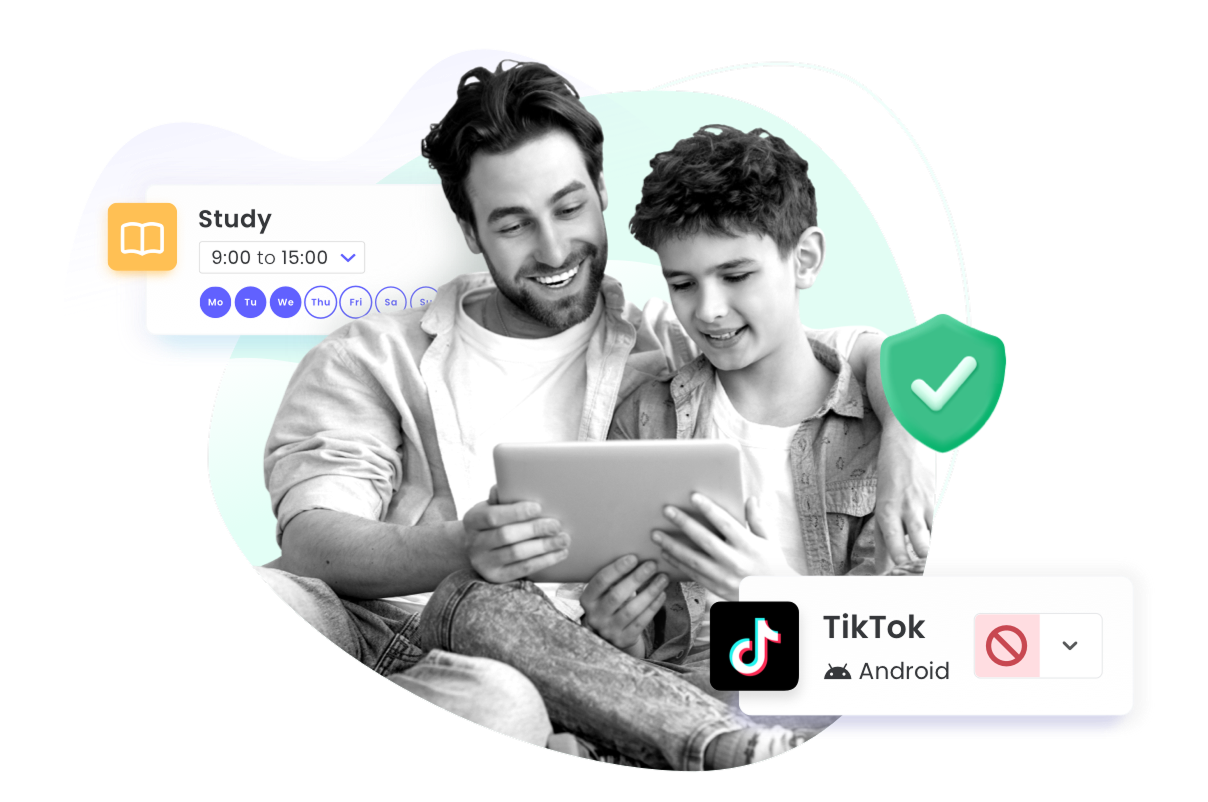
These rules are built into the parts of Qustodio you already use, including Games & apps rules and Routines. That means the same boundaries apply whether you’re managing everyday use, or setting different rules by time of day. Everything stays consistent without adding extra work.
Less adjusting, more confidence
This update is about taking some of the pressure off. When rules are set by category, you can trust that they’ll keep working in the background, even as apps change. That’s fewer settings to revisit and one less thing competing for your attention.
App category rules are available for Qustodio Premium Complete users in the latest version of the Parents App. If you don’t see this option yet, make sure your app is up to date, as older versions may not include it.