

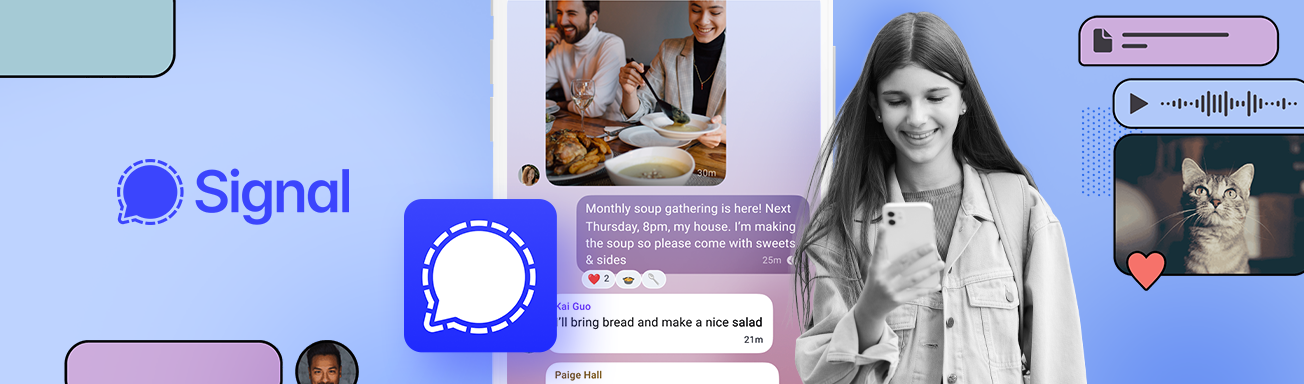
With 40–70 million monthly users, Signal’s adoption is small compared with messaging giants like WhatsApp and Messenger, which have billions of users. What sets Signal apart is the unparalleled level of privacy it offers.
Signal is often praised as the “gold standard” for messaging privacy, thanks to its key feature: end-to-end encryption, which means only the sender and recipient can read messages – not even Signal itself. As well as full encryption, Signal doesn’t show ads (it’s run by a non-profit organisation) and, unlike leading messaging apps, collects as little user data as possible. It doesn’t store messages, contact lists, or detailed usage data. In most cases, the only information linked to an account is a phone number, account creation date, and last connection time.
Signal appeals to adults and teens who prefer a simple, distraction-free messaging app that offers stronger privacy and less data collection than a Meta-owned alternative, for example.
It may sound like Signal is the perfect messaging app – but top-level privacy doesn’t necessarily mean “100% safe for kids”. In this guide, we’ll cover how kids might use Signal, the risks to watch for, and how to make the app safer.
What can kids do on Signal?
Signal is a no-frills messaging app with a heavy focus on privacy. It allows users to:
- Send messages and voice notes one-to-one or in groups, including emojis, stickers, and reactions.
- Make voice and video calls with individuals or groups.
- Share media such as photos, videos, GIFs, files, and links.
- Join or create group chats. Groups can be invite-only or shared via links.
- Send and receive disappearing messages. Messages that can be set to auto-delete after a chosen time.
Compared with many other messaging apps that share features with social media, Signal is strictly a communication tool. There are no public profiles or followers, content feeds or recommendations, ads or influencer content, or user search.
Signal sets a minimum age of 13 but doesn’t require ID or age verification, meaning younger users can use the app relatively easily – they just need a phone number.
Signal: The risks parents need to know
Disappearing messages
Users can set messages, photos, or videos to self-delete after a specific amount of time, such as 30 seconds or 5 minutes. While this can be good for privacy, disappearing messages don’t make conversations “safe” – in fact, they can increase risks for young users.
Messages that vanish without a trace make it impossible for a parent to review concerning conversations and to spot bullying, grooming, and other risky interactions. Disappearing messages may also give teens a false sense of security – they may not realize, or forget, that messages can still be screenshotted and saved.
Predators and grooming
Signal doesn’t have a user discovery system, making it a little safer than social media platforms and some messaging apps. Yet, it’s still possible for strangers to contact a child if they have their phone number or they’re in the same group chat.
Online predators may be attracted to Signal’s strong privacy features and attempt to lure young users onto the app from other platforms, such as gaming or social media.
Inappropriate content
Although Signal doesn’t feature feeds or public content, age-inappropriate material, such as adult images and videos, can still be shared in private conversations and group chats.
Because conversations are private, there’s no content moderation, and disappearing messages make it much harder for a parent to keep an eye on these things.
Bullying
Because conversations on Signal are private and may disappear, parents may have no idea their child is the target of harassment. Group chats can be particularly problematic for bullying, as users can “gang up” on one person or make someone feel excluded from the group.
No built-in parental controls
Signal is designed for privacy, not parental supervision. Users can block or report users, and control who can find them – but these are user-controlled. Signal has no built-in parental controls or monitoring tools, giving parents little visibility into conversations or activity within the app.

5 ways to make Signal safer for teens
Although Signal is likely safer than some other communication and social media apps, the potential dangers that come with any messaging app – especially one with disappearing messages – make it unsuitable for children under 13. For teens looking for a stripped-down, privacy-focused messenger without the distractions and risks of social media apps, Signal can be a good option when you follow these safety tips:
1. Set clear boundaries
With messaging apps, it’s important you both agree on safety rules, such as:
- No talking to unknown contacts
- No sharing personal info (school, location, photos)
- No sharing numbers publicly or in group chats
- No joining random group chats
- No chatting in bedrooms overnight
Rules for safe online communication can form part of your family’s digital agreement.
2. Optimize Signal’s settings
Although Signal doesn’t have parental controls, you can set a few options on your teen’s phone to help keep them safer. For example, you can reduce unwanted contact by setting “Who can see my number” and “Who can find me by number” to “Nobody”.
Android devices have the option to enable “Screen Security,” which prevents screenshotting and screen recording within Signal. If someone tries, they’ll see a blank or blocked screen.
Make sure your teen knows how to block and report problematic contacts, too.
3. Keep communication open
While we can’t eliminate the risks of communicating with others online, you can help your teen stay safe by encouraging them to come to you if something feels off, and having regular talks about who they’re chatting with.
4. Talk to them about disappearing messages
Disappearing messages can give teens a false sense of security. Ensure they understand that a disappearing message doesn’t necessarily mean that the content will vanish forever, and that they know never to post content that may be risky or could harm or hurt others.
You might choose to turn off disappearing messages – this can be done within each conversation, not globally, by tapping the contact or group name at the top, tapping “Disappearing Messages”, and selecting “Off”.
5. Add an extra layer of protection
While Signal offers strong privacy, it has no built-in parental controls to help teens manage their screen time and support healthy digital wellbeing habits. For example, parents can use Qustodio’s parental control tools to:
- Monitor how much time their teen spends on Signal
- Set daily limits and screen-free times (like bedtime or mealtimes)
- Receive an alert when they first use the app
- Block the app completely
- Pause the internet at the touch of a button.
Signal is a stripped-down communication app with a strong focus on privacy. While it may not have the social-media-like features of rival messaging apps, there are still risks that parents need to be aware of – such as disappearing messages, group chats, and the potential for contact by strangers.
For teens, Signal can be a solid option as a secure messenger – but only when boundaries are agreed as a family, safety settings are enabled, and they know who to come to when one of their chats turns “weird”.

